
IQlab / Everest hardware
OEM RFID reader
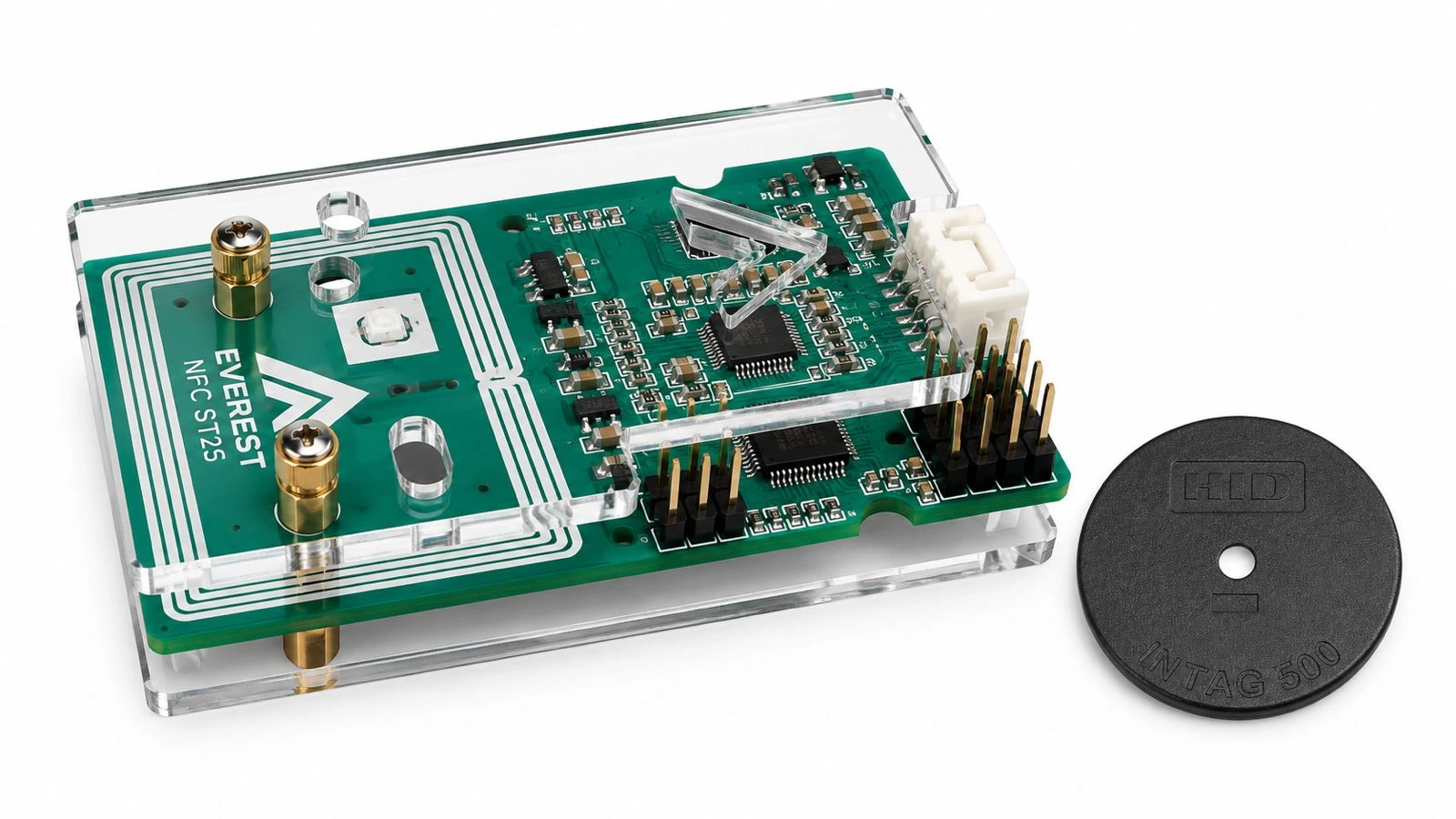
An Everest RFID module for integration into your own equipment. A reader board with a protective assembly for devices, terminals and specialized systems.
Discuss a project ↗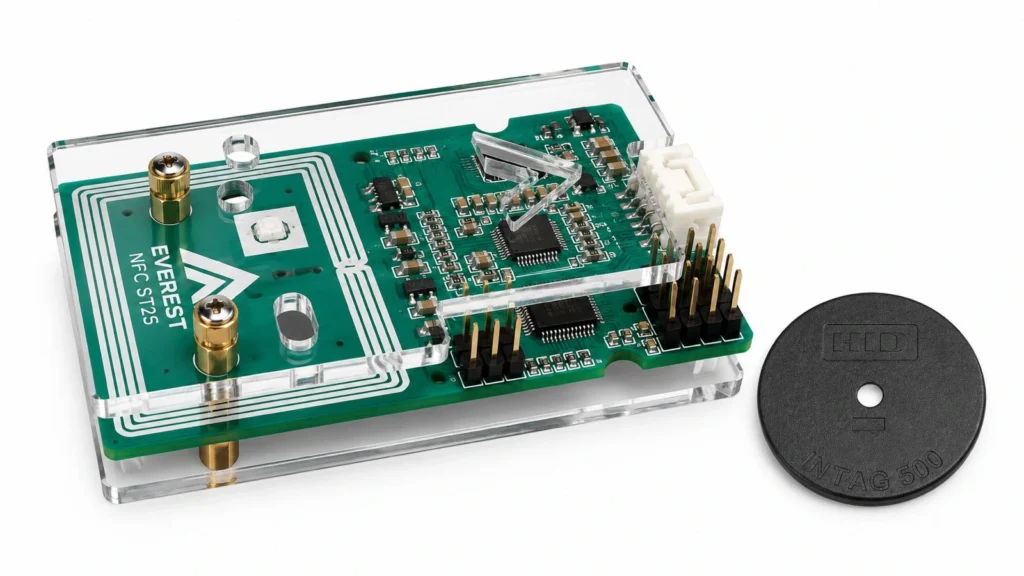
24/7
Years of continuous operation
Everest controllers and readers have been proven through several years of round-the-clock operation in deployed systems.
01
Built for integration
Installed as part of your device rather than as a separate desktop unit.
02
Board and protective assembly
The photograph shows an Everest NFC ST25 variant with an antenna and accessible connectors.
03
Configured for the task
We discuss placement, connection, card compatibility and software integration.
Integration into your system
Before selecting a configuration, we clarify the card or tag type, installation location, connection and application software. This helps establish compatibility before deployment.
Identification inside your equipment
An OEM reader can become part of an operator panel, tool-issue cabinet or specialized terminal. Application logic may enable functions by employee role, associate issued equipment with its recipient and retain an operation history. These are potential integrations defined by the project.
Mechanics and software
We agree mounting, connector access, antenna position and nearby metal before installation. The final assembly is assessed with real cards: an exposed-board test does not replace enclosure testing. Connections and communication protocol depend on the selected module configuration.
Before we begin
Can we start from an existing board or system?
Yes. Send a description, available schematics, files and photos. We first determine what can be retained and what needs to change.
How are cost and timing defined?
After discussing the problem, constraints and expected outcome. Scope and milestones are agreed for the individual project.
What do you need for an initial discussion?
A brief description, the existing equipment and essential functions. If you already have a specification, attach it to your email.